What software do you need for online lessons?
Fortunately, all you really need is Zoom. You can use Zoom on your phone, an Ipad/Tablet, or your computer. All of these options have a microphone built in them and that microphone is likely just fine for online lessons.

Why Zoom?
Zoom has been the most reliable online meeting service. There are other companies who do video calls such as Google Meets, but nothing else sends audio nearly as well as Zoom does. The settings are customizable, the quality is the best out there, and the latency is very small too. I have also had no issues with my students overseas in Austrailia, France, New York, Kentucky, and other areas of the world, all while I’m hudreds or thousands of miles away in Los Angeles, California. It’s a very good and free service.
Piano
If you are wanting to learn to play, or are just starting lessons with me, here are some great resources to get you started.

Sightreading.training
This is one of the best and easiest sight reading trainers out there. It gives you a great way to practice learning the notes on a staff, as well as additional advanced features for practicing. It also connects to digital pianos so you can play notes into the software just through the website.
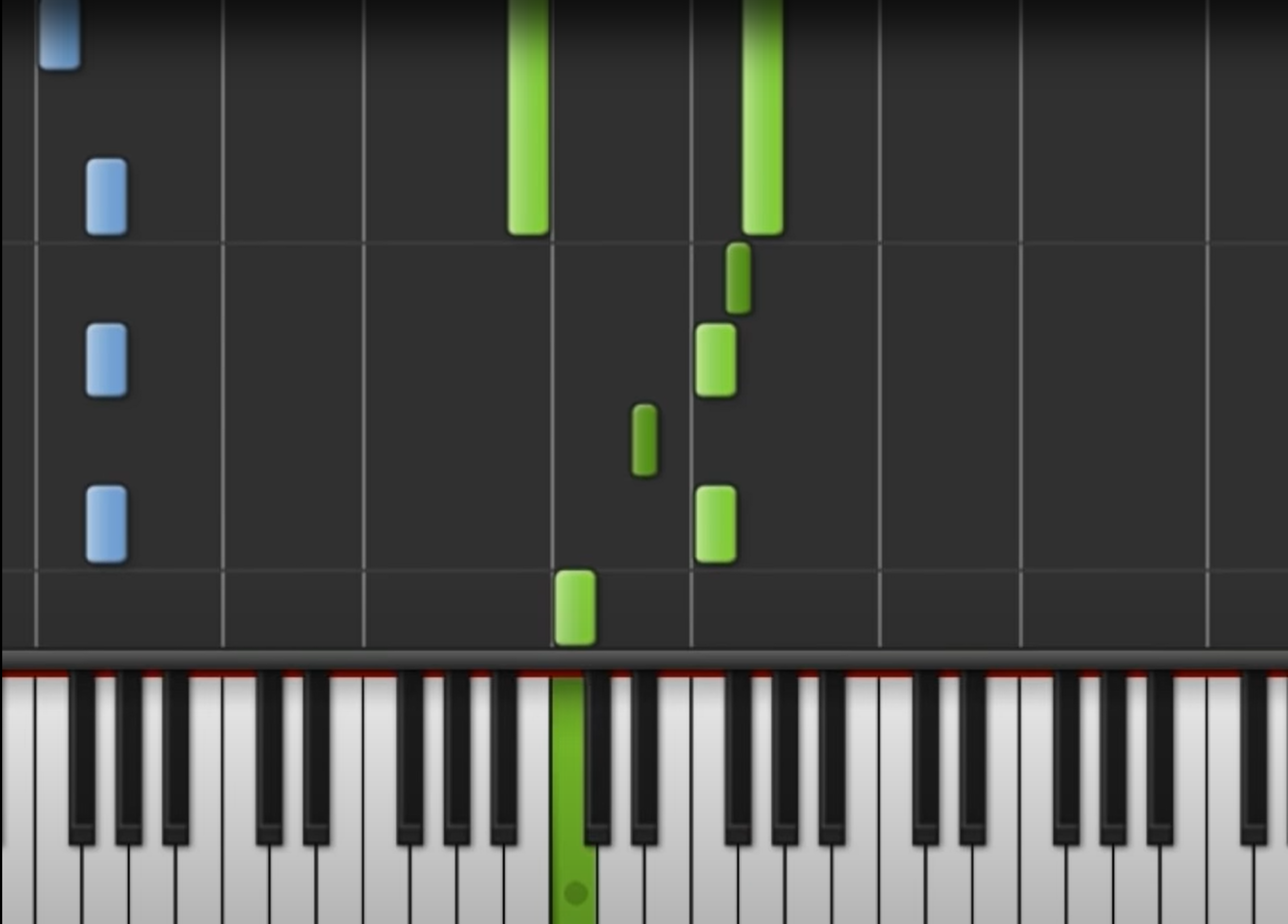
Synthesia
Synthesia is a special type of software that teaches you how to play without reading sheet music. It’s not recommended as a substitute for reading music notation, but it is super fun to use. I use it in lessons along with an overhead camera to show students exactly what I’m playing. The free version does quite a bit so it’s worth a download.
Guitar, Bass, Ukulele
If you are wanting to learn to play, or are just starting lessons with me, here are some great resources to get you started.
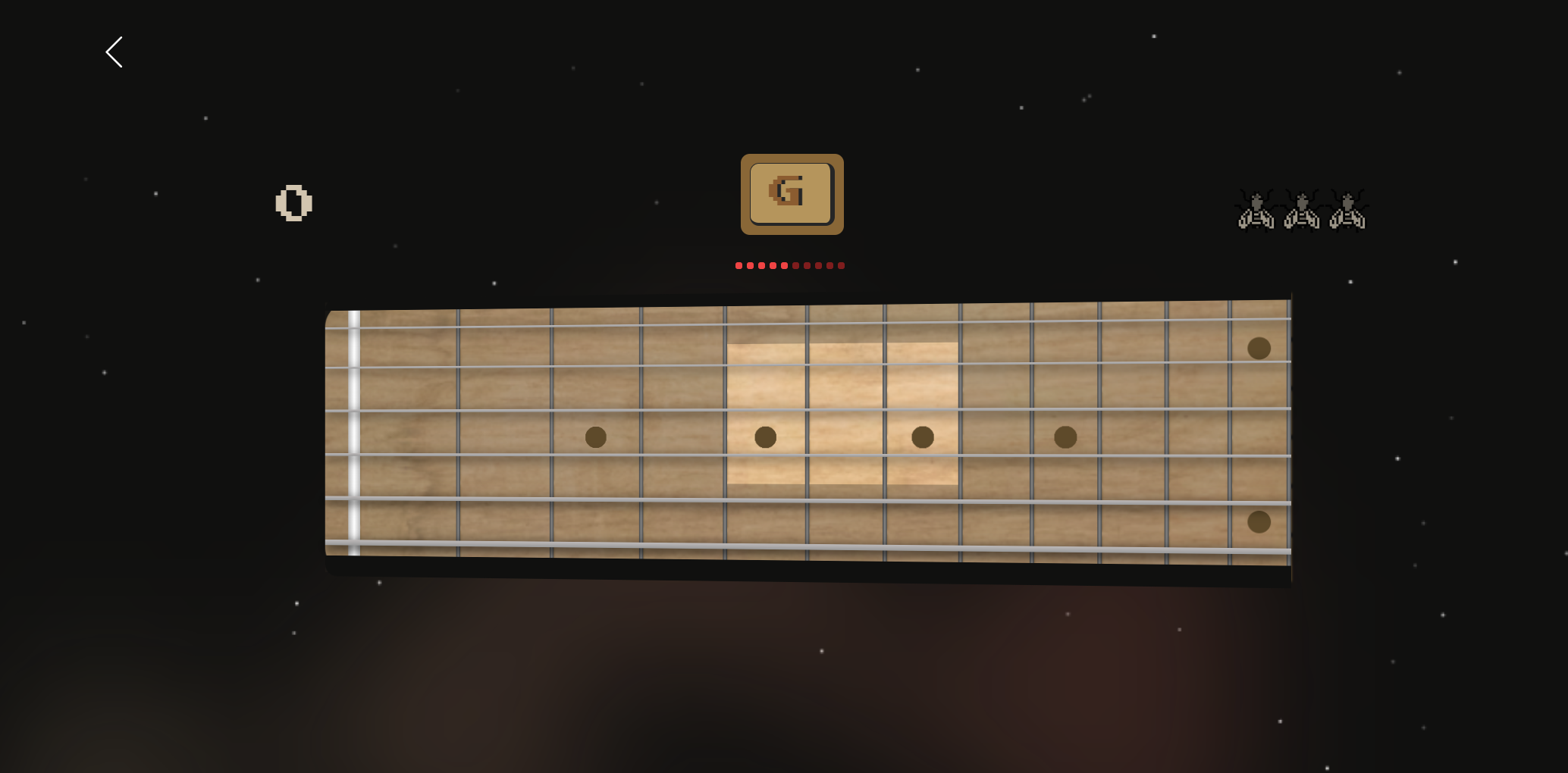
FretboardFly.com
This is a recent tool that has been made possible only within the last few years. Fretboard fly listens to you through your computer microphone to test your learning on the fretboard. It helps you to memorize notes and chords, but is also useful for more advanced practice methods as well. I use fretboard fly frequently when I feel like I’m getting too slow and it seems to speed things back up after only a few days of consistent practice.
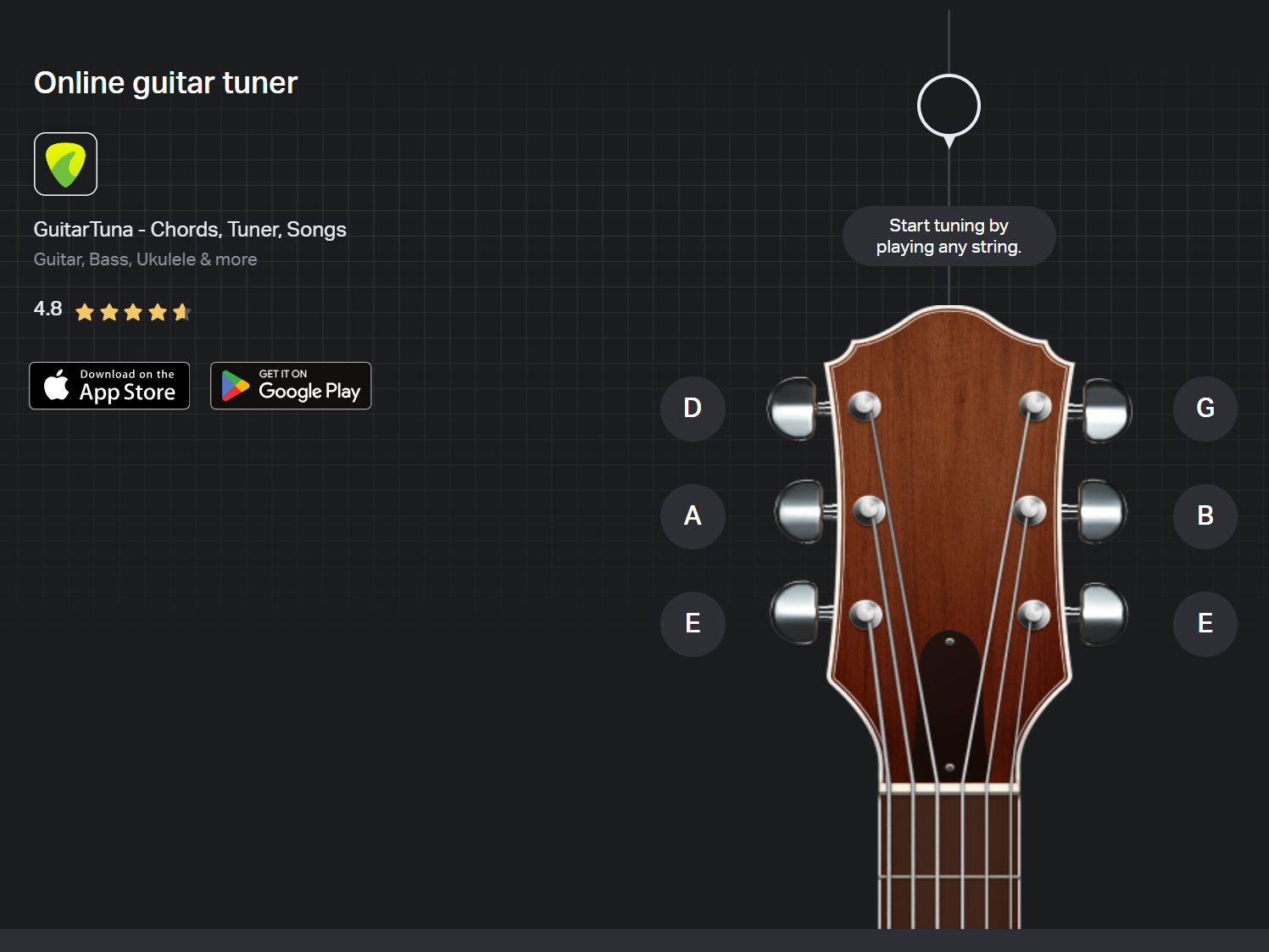
Guitar Tuna
This is a fantastic and free desktop/mobile instrument tuning app that I recommend to my students. Not only will it let you tune multiple different types of instruments, it also has a great metronome in it to use as well. It’s a reliable app made by a huge music corporation called Yousician as well.
Writing and Music Production
These are both must have tools for any starting musician. I use them for lessons all the time and as a beginner, you have plenty to keep yourself occupied for months to years until needing to upgrade.

Musescore Studio 4
I use Musescore every day for arrangements, editing songs for students, and anything else that requires sheet music. It is totally crazy that Musescore is free, but it is. I feel like every musician should have it downloaded on their computer. There is another handy website called Musescore.com that is very useful and goes hand in hand with the software, but the software is only downloadable at Musescore.org. Confusing I know, but I’m sure it has to do with licensing and the software being open source.

Bandlab.com
Bandlab is magical. I am not sure how it’s possible, but it is an entire music production studio that works entirely in the browser both on desktop and mobile versions. The best part is, you can collaborate with someone else in real time similar to collaborating on a Google Doc. It’s not a professional grade software, but that doesn’t mean it sounds bad. You can make great music in it and I use it with students to teach all the main fundamentals of music production. It also has a cloud saving feature that let’s switch back and forth from the mobile and desktop version so you can work on the same project on both your cell phone, ipad, and computer.
 Danny's Music Studio